Looking for Instantly Downloadable Live Expert Recorded DFY Content?
Get Unlimited and Unrestricted
Rights to Premium Courses from 2024 and 2025
All In One Package
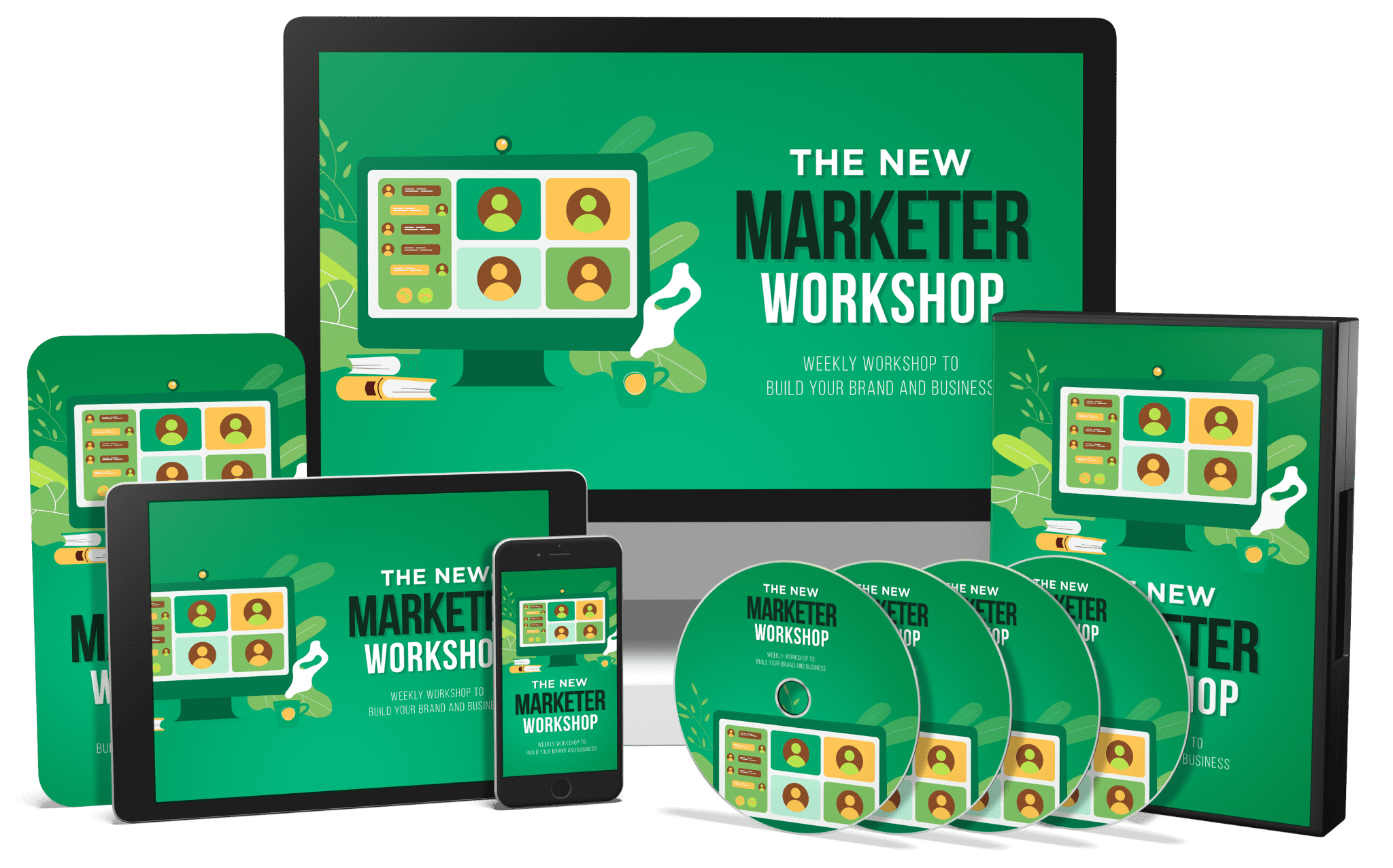
Retirement of New Marketer Workshop |

|

|
- 0001 - ChatGPT Unstructured Prompt
- 0002 - ChatGPT - Using Canvas to Edit
- 0003 - Chat GPT Output of Edits
- 0004 - ChatGPT - Special Mention
- 0005 - Meta Simple Unstructured Prompt
- 0006 - Meta Simple Editing Tool
- 0007 - Meta Output Options
- 0008 - Meta Special Mention
- 0009 - Perplexity Unstructured Prompt
- 0010 - Perplexity Editing Tools
- 0011 - Perplexity Output Options
- 0012 - Perplexity Special Mentions
- 0013 - Gemini - Unstructured Prompt
- 0014 - Gemini Editing Tools
- 0015 - Gemini - Output Options
- 0016 - Gemini - Special Mentions
- 0017 - Claude Unstructured Prompt
- 0018 - Claude Editing Tools
- 0019 - Claude Output Options
- 0020 - Claude Special Mentions - Artifacts
- 0021 - Conclusion - Overall Analysis with NotebookLM
- 0001 - Tools and Pricing
- 0002 - Choose a Base Creator
- 0003 - Canva Special Mention
- 0004 - Affiliate Program To Offset Costs
- 0005 -Choose a Chatbot For Scripting
- 0006 - Regarding Music
- 0007 - Write The Script with A Chatbot
- 0008 - Is My Script Accurate and Ready for Audio
- 0009 - Iterate with the Script for Audio Accuracy
- 0010 - Enter Script In at Eleven Labs
- 0011 - Eleven Labs Narration Results
- 0012 - Editing the Audio
- 0013 - Placing the Script In Your Base Creator
- 0014 - Swap in Screenshots
- 0015 - Adding In Audio
- 0016 - Timing Considerations for Customization of AI Video
- 0017 - Edit the Clip
- 0018 - Adding the New Clip
- 0019 - Creating Unique Scenes - Mirror Ipad
- 0020 - Conclusion - The Steps Are Transferable
|
- 0001 - Project Scope
- 0002 - Upload to ChatGPT
- 0003 - Separate the Script into Documents
- 0004 - Screenshots
- 0005 - Text to Video
- 0006 - Pasting the Content
- 0007 - Scene Settings
- 0008 - Storyboarding The Video
- 0009 - Choosing Visuals
- 0010 - Creating Your Own Visuals on Video
- 0011 - Preview the Footage
- 0012 - Editing Your Footage and Images
- 0013 - Choosing Background Music
- 0014 - Finding and Applying a Voice
- 0015 - Preview the Audio
- 0016 - Correcting Scene Duration
- 0017 - Correcting the Narration
- 0018 - Change to a Plain Background
- 0019 - Create a Plain Background Video
- 0020 - New Video Preview
- 0021 -Context Specific Layers
|

- 0001 - Changing PowerPoint Dimensions for Vertical
- 0003 – The Role of Your Delivery System
- 0005 – Connect Using Zoom
- 0007 – Using YouTube Live
- 0009 – Using Restream
- 0011 - Using Recorded Video with Multistreaming
- 0013 - Using Twitter Spaces
- 0015 - Online Community Platforms
- 0017 - Using Polls
- 0019 - Sharing Videos During Your Workshop
- 0002 - Changing Google Slides Dimensions
- 0004 – Connect Using OBS Studio
- 0006 - Using Twitter Live
- 0008 – Using Facebook Live
- 0010 - Multisttreaming with Restream
- 0012 - Using Zapier to Connect Your Autoresponder to your Workshop Registration
- 0014 - Using Spotify Live for Audio
- 0016 - Branding and E-Mails
- 0018 - Sharing Mobile Screens
- 00020 - Conclusion and Surveys
|
- Course Overview
- Creation of the Thank You Page
- Setting Up Your Viral Application
- Setting Up Your Viral Application
- Offer Set Up For Free and Physical
- Set Up Your Webinar Page
- Set Up For Zoom and Social Media
- Create Your Weekly Announcement On Canva
- Workshop Delivery
- Workshop Replay Activity
- Follow Up with E-Mail
- Creation of the Main Opt-In Page
- Setting Up Your Viral Application
- Setting Up Your Viral Application
- Setting Up Your Viral Application
- Set Up The Free Offer
- Offer Set Up for Free and Physical
- Set Up GotoWebinar
- Set Up Your E-Mail Additions
- Pre Workshop Notifications
- Post Workshop Notifications
- Processing the Replay
|

|
|
|
|
|
|
|
|
|
|
|
|
|
|
|
|
|
|
|
|
|
|
|
|
|
|
|
|
|
|
|
All Sales are Final, We do not refund our PLR.