Looking for Instantly Downloadable Expert Tutorials Content?
Get 140+ Over-the-Shoulder Tutorial Videos — All With Unrestricted Rights. Retiring This Weekend at a Never-to-Be-Repeated Price.
Retirement of New Marketer Workshop |

120 Unrestricted Rights Videos |
|
-
Over the years, we’ve released dozens of over-the-shoulder tutorial video courses. Each one has unrestricted rights so you can:
-
Resell them as your own
-
Add them into memberships and learning portals
-
Use them as bonuses or affiliate incentives
-
Repurpose them into ebooks, guides, or social content
Now it’s time to retire this collection. Instead of paying $27 per course (or $204 total), you can grab the entire bundle today for just $17.
Once this sale ends, these videos will no longer be available.
-

What You Get Inside of the Retirement Bundle |
You’re getting seven complete packages, each with:
-
20 step-by-step video tutorials (over 140 in total)
-
Companion MP3 audios
-
Sales materials and source files
-
Full unrestricted rights
Topics cover the most in-demand areas of online business:
-
ChatGPT search, memory, voice, and Canvas tools
-
AI image generation with MidJourney, Ideogram, and Napkin.AI
-
Comparing today’s top AI platforms (ChatGPT, Claude, Gemini, Perplexity, Meta)
-
Email marketing and autoresponder comparisons
-
Integration tutorials and masterclasses
These are not theory. Every lesson is shown on screen so your customers or students can follow along step by step.
Ways to Use This Awesome Package |
-
Add to your membership site to keep content fresh for subscribers
-
Resell as a complete standalone course under your own name
-
Break into short-form content for YouTube Shorts, TikTok, Instagram Reels, or Facebook Stories
-
Offer as client training for local businesses or coaching groups
-
Create a branded workshop series or bootcamp with your logo and style
-
Turn videos into blog posts, ebooks, or step-by-step guides
-
Use clips as bonuses or affiliate bonuses to boost conversions
-
Repurpose as lead magnets to grow your email list
-
Add inside an online academy or learning portal as extra modules
-
Combine with your own material to build premium signature programs
-
Use as “done-for-you” value for your customers or clients
-
Translate and sell into other languages for international markets
-
Bundle with other resources to create higher-ticket offers
-
Use as podcast or webinar training content by converting to audio outlines
-
Slice into slide decks or presentations for live or virtual events
|
-
Original launch price: $7.77 (per product launch special)
-
Current price: $27 per course
-
Retirement bundle price today: Just $17 for everything
-
After this sale: The bundle is retired, and you won’t be able to get it again
This is your last chance to secure unrestricted rights to content you can use, sell, and repurpose in dozens of ways.
|
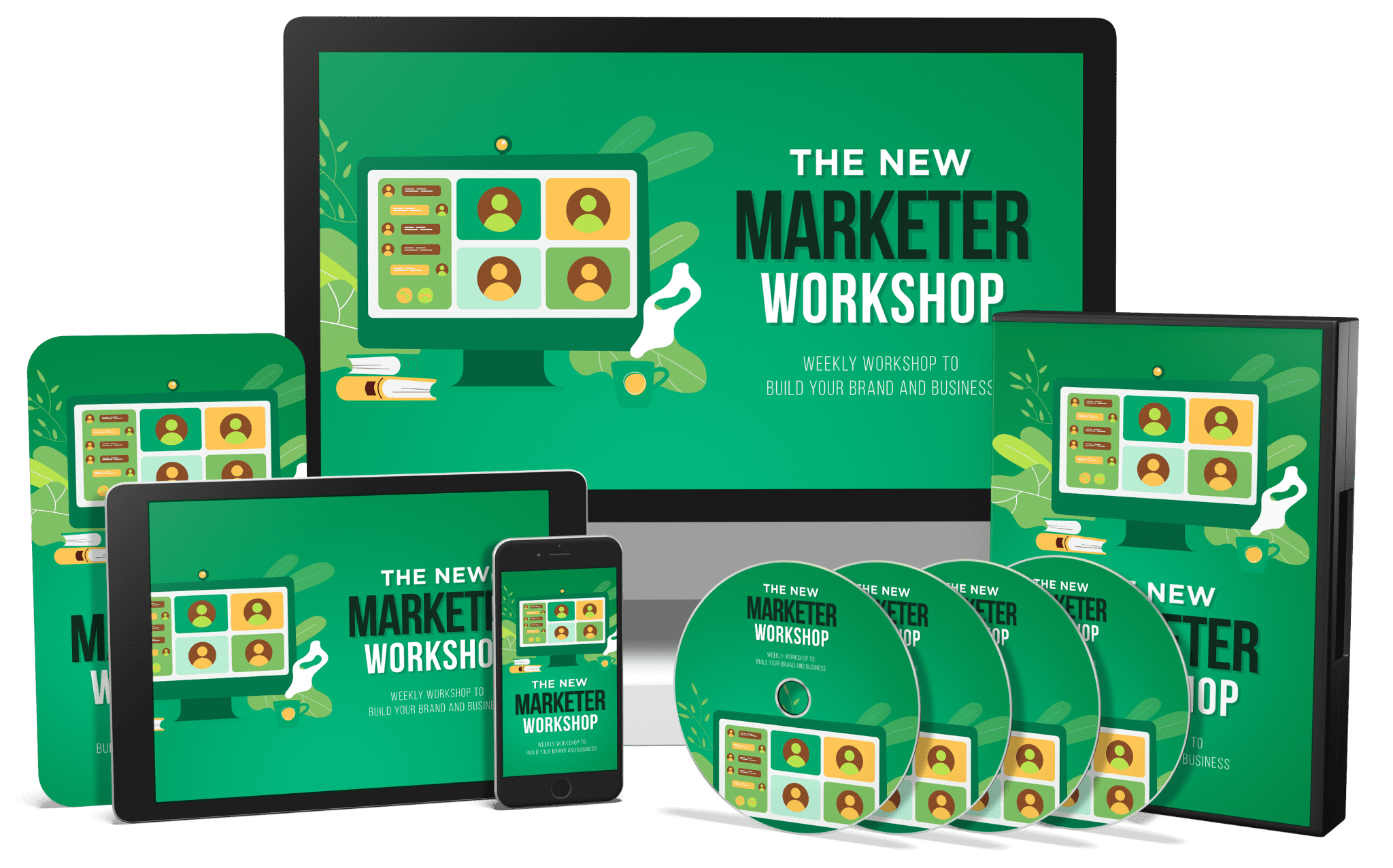
- 0001 - Use ChatGPT
- 0002 - ChatGPT Plus Canva
- 0003 - Mermaid GPT in ChatGPT
- 0004 - Using the GPT Section of ChatGPT
- 0005 - Ideogram Generation
- 0006 - Ideogram Images
- 0007 - Ideogram Image Menu
- 0008 - Ideogram Canvas
- 0009 - Ideogram Pricing Compared to Midjourney
- 0010 - Midjourney Basic Creation
- 0011 - Midjourney Menu
- 0012 - Midjourney Personalization
- 0013 - Diagram Platforms
- 0014 - Using Napkin Basics
- 0015 - Napkin Features
- 0016 - Napkin Customization
- 0017 - Claude Artifacts for Diagrams
- 0018 - Using PIktochart
- 0019 - Excalidraw
- 0020 - Visily
Creating AI Images Is Available In ChatBots

Visuals are Available In Ideogram

Visuals are Available In Napkin.AI

Watch A Volume Five Sample Video Here |
|
- 0001 - Plans and Pricing Updates
- 0002 - ChatGPT Memory Setting
- 0003 - Custom Instructions Changes
- 0004 - ChatGPT Audio
- 0005 - ChatGPT Search
- 0006 - How To Find Your Search Queries
- 0007 - Search History And the ChatGPT Browser Extension
- 0008 - Difference Between ChatGPT Search and ChatGPT Chatbot
- 0009 - Vision with Images
- 0010 - Vision with Mp4 Videos
- 0011 - Request Output Formatting
- 0012 - Complex Formatting Requests
- 0013 - Canvas Introduction
- 0014 - Suggested Edits with Canvas
- 0015 - Shorten and Lengthen the Document in Canvas
- 0016 - Change the Reading Level
- 0017 - Final Polish and Emojis
- 0018 - Eliminate Hallucination with GPT Search
- 0019 - Download the Desktop Applications
- 0020 - Voice Mode with the Desktop App
New Ways to Search with ChatGPT

New Ways to Write and Edit with ChatGPT

New Ways to Interact on Your Desktop with ChatGPT

New Ways to Interact with Voice and ChatGPT

New Ways to Write and Edit with ChatGPT

Watch A Sample Volume Four Video Here |
|
- 0001 - Plans and Pricing Updates
- 0002 - ChatGPT Memory Setting
- 0003 - Custom Instructions Changes
- 0004 - ChatGPT Audio
- 0005 - ChatGPT Search
- 0006 - How To Find Your Search Queries
- 0007 - Search History And the ChatGPT Browser Extension
- 0008 - Difference Between ChatGPT Search and ChatGPT Chatbot
- 0009 - Vision with Images
- 0010 - Vision with Mp4 Videos
- 0011 - Request Output Formatting
- 0012 - Complex Formatting Requests
- 0013 - Canvas Introduction
- 0014 - Suggested Edits with Canvas
- 0015 - Shorten and Lengthen the Document in Canvas
- 0016 - Change the Reading Level
- 0017 - Final Polish and Emojis
- 0018 - Eliminate Hallucination with GPT Search
- 0019 - Download the Desktop Applications
- 0020 - Voice Mode with the Desktop App
|
- 0001 - How to Choose (PowerPoint Narration)
- 0002 – Essentials (PowerPoint Narration)
- 0003 - Niche Based Feedback (PowerPoint Narration)
- 0004 - Affiliate Marketing Concerns (PowerPoint Narration)
- 0005 - Your Business Model (PowerPoint Narration)
- 0006 - Sendy and Self Hosted Options (PowerPoint Narration)
- 0007 – Getresponse (PowerPoint Narration)
- 0008 - Mailer Lite (PowerPoint Narration)
- 0009 - Birdsend (PowerPoint Narration)
- 0010 - SystemeIO (PowerPoint Narration)
- 0011 - Mailchimp (PowerPoint Narration)
- 0012 - Brevo - Sendinblue (PowerPoint Narration)
- 0013 - ActiveCampaign (PowerPoint Narration)
- 0014 - Kit (PowerPoint Narration)
- 0015 - Drip (PowerPoint Narration)
- 0016 - Mailvio (PowerPoint Narration)
- 0017 - The Export Process (Step By Step Over the Shoulder)
- 0018 - Use One List and Many Tags to Manage Your Lists (Step By Step Over the Shoulder)
- 0019 - There More To It With a High Level Sub Account (PowerPoint Narration)
- 0020 - Conclusion (PowerPoint Narration)
Surprising News From Aweber....

The Mother of All Price Increases...

And New Limits on Number of Sends...

Are Others Better?

Or Are They All the Same....

Watch A Sample Volume Three Video Here |
|
- 0001 - WordPress Page Builder Integration
- 0002 - WordPress Page Builder
- 0003 - Connect to Warrior Plus
- 0004 - Connect to JVZoo
- 0005 - Systemeio Special Case
- 0006 - Integrating with Standalone Sales Systems Like Thrivecart
- 0007 - Make Zapier and Pabbly
- 0008 - Does Your AR Connect to the 3rd Pary Connector
- 0009 - Testing The Connector
- 0010 - Connect a Cloud Based Platform to the Connector Platform
- 0011 - Create the Trigger
- 0012 - Set The Action
- 0013 - Complete the Mapping Process
- 0014 - The Problem with AR Webhooks
- 0015 - Zapier Webhooks as a Workaround
- 0016 - High Level Sub Account Automations
- 0017 - Setting Up the High Level Action
- 0018 - Connect the Webhook to the API
- 0019 - Integration in the AR
- 0020 - Conclusion
|
- 0001 - ChatGPT Unstructured Prompt
- 0002 - ChatGPT - Using Canvas to Edit
- 0003 - Chat GPT Output of Edits
- 0004 - ChatGPT - Special Mention
- 0005 - Meta Simple Unstructured Prompt
- 0006 - Meta Simple Editing Tool
- 0007 - Meta Output Options
- 0008 - Meta Special Mention
- 0009 - Perplexity Unstructured Prompt
- 0010 - Perplexity Editing Tools
- 0011 - Perplexity Output Options
- 0012 - Perplexity Special Mentions
- 0013 - Gemini - Unstructured Prompt
- 0014 - Gemini Editing Tools
- 0015 - Gemini - Output Options
- 0016 - Gemini - Special Mentions
- 0017 - Claude Unstructured Prompt
- 0018 - Claude Editing Tools
- 0019 - Claude Output Options
- 0020 - Claude Special Mentions - Artifacts
- 0021 - Conclusion - Overall Analysis with NotebookLM
Is ChatGPT The Best?

Or Is it Claude.AI?

Or Meta?

Perplexity?

Or Gemini...?

Watch A Volume Two Sample Video Here |
|
- 0001 - ChatGPT Graphics
- 0002 - ChatGPT Editing
- 0003 - ChatGPT Graphical Output
- 0004 - Claude Artifacts
- 0005 - Flexibility of Artifacts
- 0006 - Claude Graphics
- 0007 - Claude Graphical Editing
- 0008 - Claude Graphical Output
- 0009 - Meta Graphics
- 0010 - Meta Graphical Editing
- 0011 - Meta Graphical Output
- 0012 - Perplexity Graphics
- 0013 - Perplexity Focus
- 0014 - Perplexity Graphical Editing
- 0015 - Perplexity Graphical Output
- 0016 - Gemini Graphics
- 0017 - Gemini Editing with Prompts
- 0018 - Notebook LM Special Mention
- 0019 - Napkin.AI Special Mention
- 0020 - Conclusion: Chatbot Graphics
- 0021 -Context Specific Layers
|
- All sales are final (no refunds on unrestricted rights PLR
- You receive full unrestricted rights with every package
- This is a retirement sale — the bundle will not return at this price
All Sales are Final, We do not refund our PLR.