Launch Price Ends In...
"Stay Current. Stay Visible. Sell More."
"Get Thirty (30) Brand-New, Personally Created and Crafted Ready-to-Rebrand On-Screen Step by Step Over the Shoulder Videos on the Hottest Trends, Tools and News on AI"
Stay Relevant. Be the Expert. Own the Conversation.
Daily PLR Content to Power Your Courses, Channels, Emails, or Blog — With No Burnout.
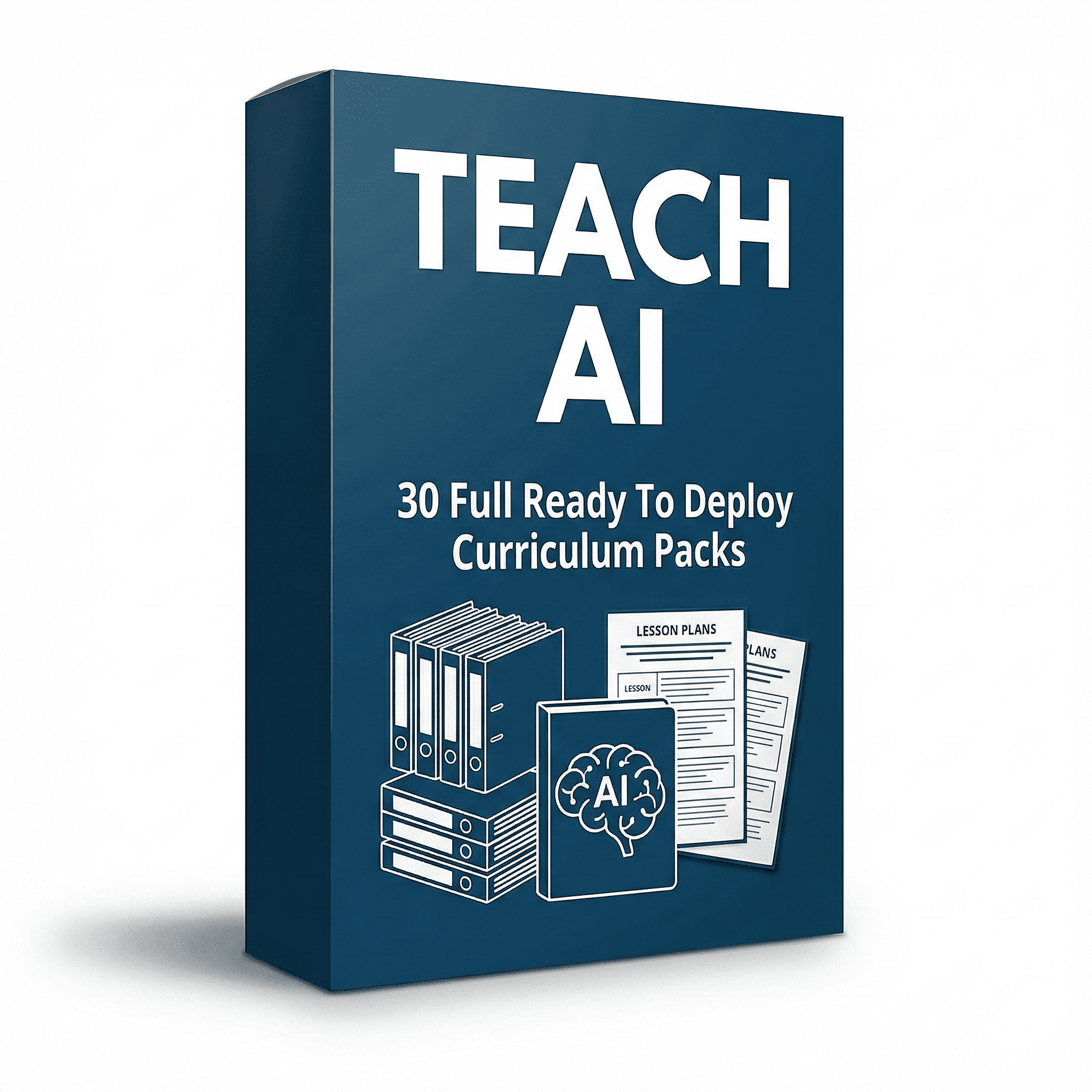
- 30 Complete AI Training Drops — Ready to Rebrand and Repurpose
- 30 Complete AI Tool Videos (Over-the-shoulder format)
- 30 Complete Companion Audio Files for podcast or reuse
- 30 Complete Transcripts+ Summaries for blog, emails, or social posts
- 30 Complete Slide Decks for handouts, re-recording, or extra value
- Standard Resell Rights – Rebrand and publish in your own voice
- Position Yourself as the Expert with no need to record from scratch
- All videos are personally recorded by Charles Harper
- No fluff. Just 30 Complete done-for-you AI content projects you can deploy today.
Here's What You’ll Receive:... |
-
🎥 30 Step-by-Step AI Tool Walkthroughs (MP4) – Screen-recorded, over-the-shoulder, and ready to be rebranded in your own voice.
-
🔊 30 Audio Versions (MP3) – Repurpose into your podcast, voicemail drops, or social posts.
-
📜 30 Transcripts – Use for blog posts, newsletters, or social captions.
-
📝 30 Written Summaries – A polished, ready-to-post version for readers or learners.
-
📽️ 30 Contextual Slide Video Kits – Use them as handouts, bonus content, or record your own version with ease.
SUBJECTS |
- 0001 - How to Use NotebookLM to Create an Infographic
- 0002 - How to Create an Interactive Image Using Google Gemini
- 0003 - How to Create a Side Presentation from Your Document Using NotebookLM
- 003 -How to Know What's next in AI
- 0004 - How to Create a Side Presentation from Your Document Using NotebookLM
- 0004 - Hardware Needed to Increase NotebookLM's Effectiveness
- 0005 - How to Convert Your NotebookLM Slide Deck From a PDF to PowerPoint or Google Slides
- 0006 - How To Use Your Google Drive Sources In NotebookLM
- 0007 - Nano Banana Vs Napkin A Vs Sketchwow Vs ChatGPT
- 0008 - How NotebookLM Works Together with Nano Banana
- 0009 - An Easy Way to Test Nano Banana Pro
- 0010 - How to Turn a YouTube Video Into an Infographic
- 0011 - How to Listen to Deep Research
- 0012 - How to Grab Images from NotebookLM Slide Decks
- 0013 - How-to-Tun-a-NotebookLM-or-Naon-Banana-Image-into-a-Whiteboard-Animated-Video
- 0014 - Use a NoteboookLM Notebook In Google Gemini
- 0015 - Deep Research Gemini Vs NotebookLM
- 0016 - Infographics in ChatGPTs New Image Creator
- 0017 - Turn NotebookLM Into an Interactive Learning Experience
- 0018 - Use Gemini to Create a Gem App
- 0019 - Logo to NotebookLM
- 0020 - Add Your Logo to an Infographic from NotebookLM
- 0021 - How to Use AI to Turn An Mp4 To GIF
- 0022 - How to Master Any Subject
- 0023 - How to Use Ai to Dete4rmine Uncertainty
- 0024 -How to Changer the Audio in NotebookLM Audio
- 0025 - Alternative To Studio Changing
- 0026 - Change the Explainer
- 0026 - Deep research and Fast Research in NotebookLM
- 0027 - How to Sync a Document Inside of Notebook
- 0028 - Create a Step Document with NotebookLM
- 0029 - How to Use NotebookLM to Overcome Impostor Syndrome - Employee Edition
- 0030 - How to Use NotebookLM to Create Audio Transcription
- 0031 - How to Build a Discussion Community and Membership Around Your NotebookLM Notebook
VIDEO SAMPLE |

Create A YouTube Video In Your Own Voice with Contextual Slides |
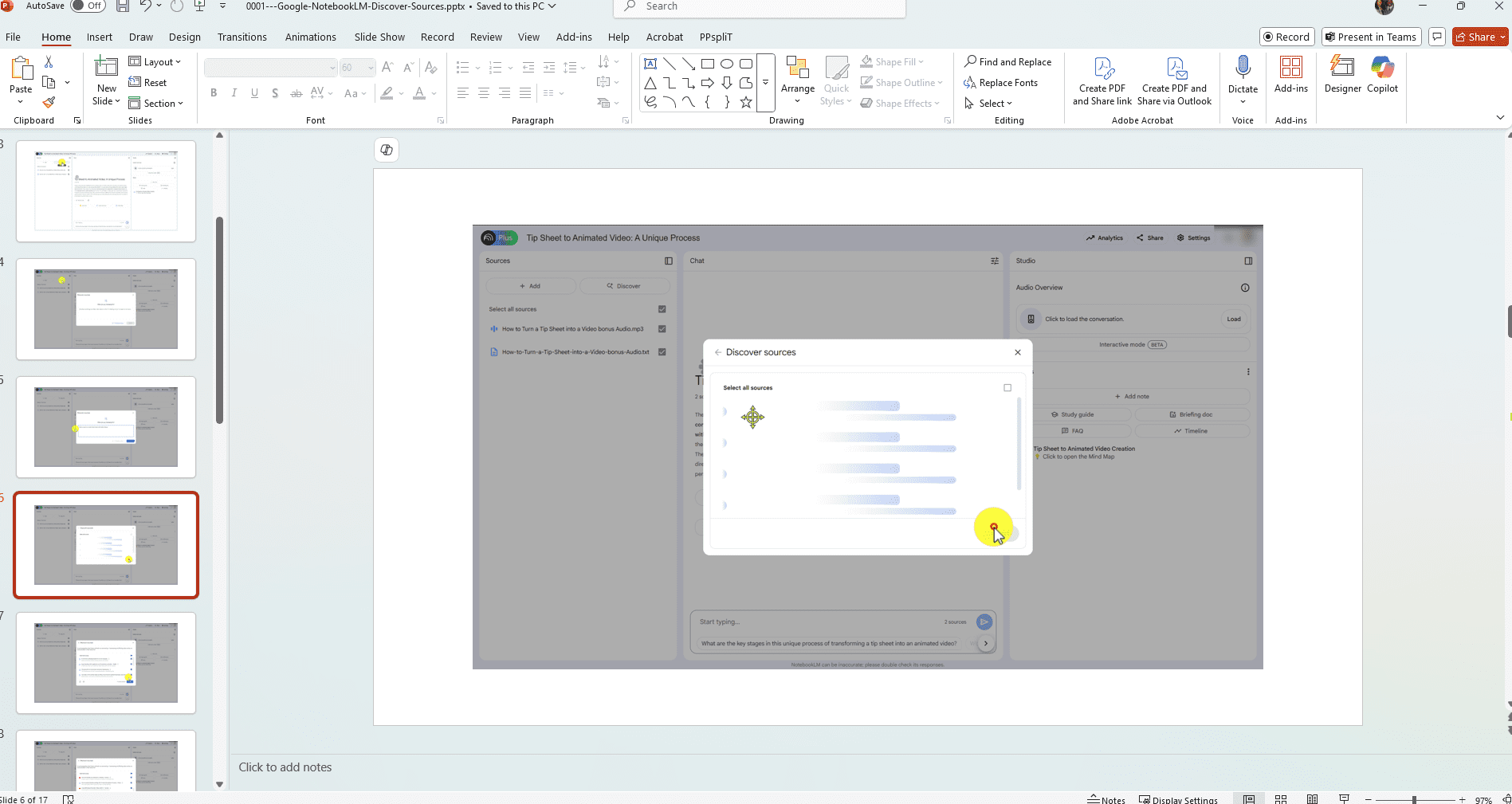
Create Custom Social Media Posts |

Use the Transcript for Extra Content and Social Media |

Rights |
- [YES] Can be Resold Individually
- [YES] Entire Package Can Be Resold as a Course for at Least $9.95
- [YES} Can Be Revoiced with AI
- [YES] Can be Used in Paid Memberships or Skool Groups
- [YES] One Individual Pack Can Be Used as a Lead Magnet
- [YES] One individual Pack Can Be Used as an Affiliate Bonus
- [NO] Full Package Cannot Be Given Away
- [NO] Cannot be Used in Free Memberships or Skool Groups
- [NO] Cannot be Placed on Any Video Sharing Site (YouTube, Vimeo, TikTok, Etc.)
- [NO] Cannot Use Our Name or Brand In your Creations or Promotions